Plug in your AI
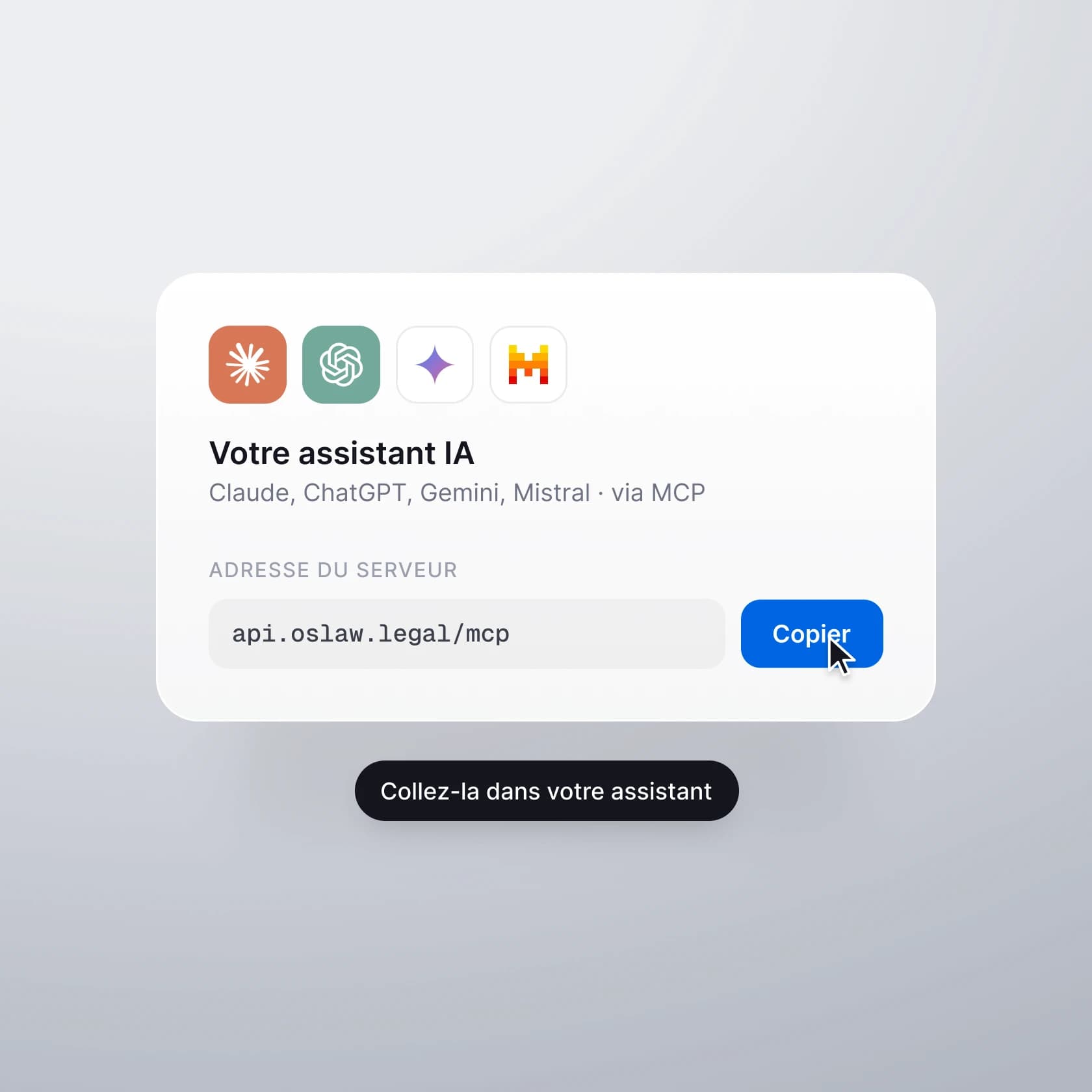
In the settings, open your assistant's page, copy the server address and paste it into the AI of your choice. You then authorise access with your account.
Gradually opening to law firms
Oslaw connects your firm to the AI you already use. Link your own software through the public API. All it takes is your access rights, nothing more.
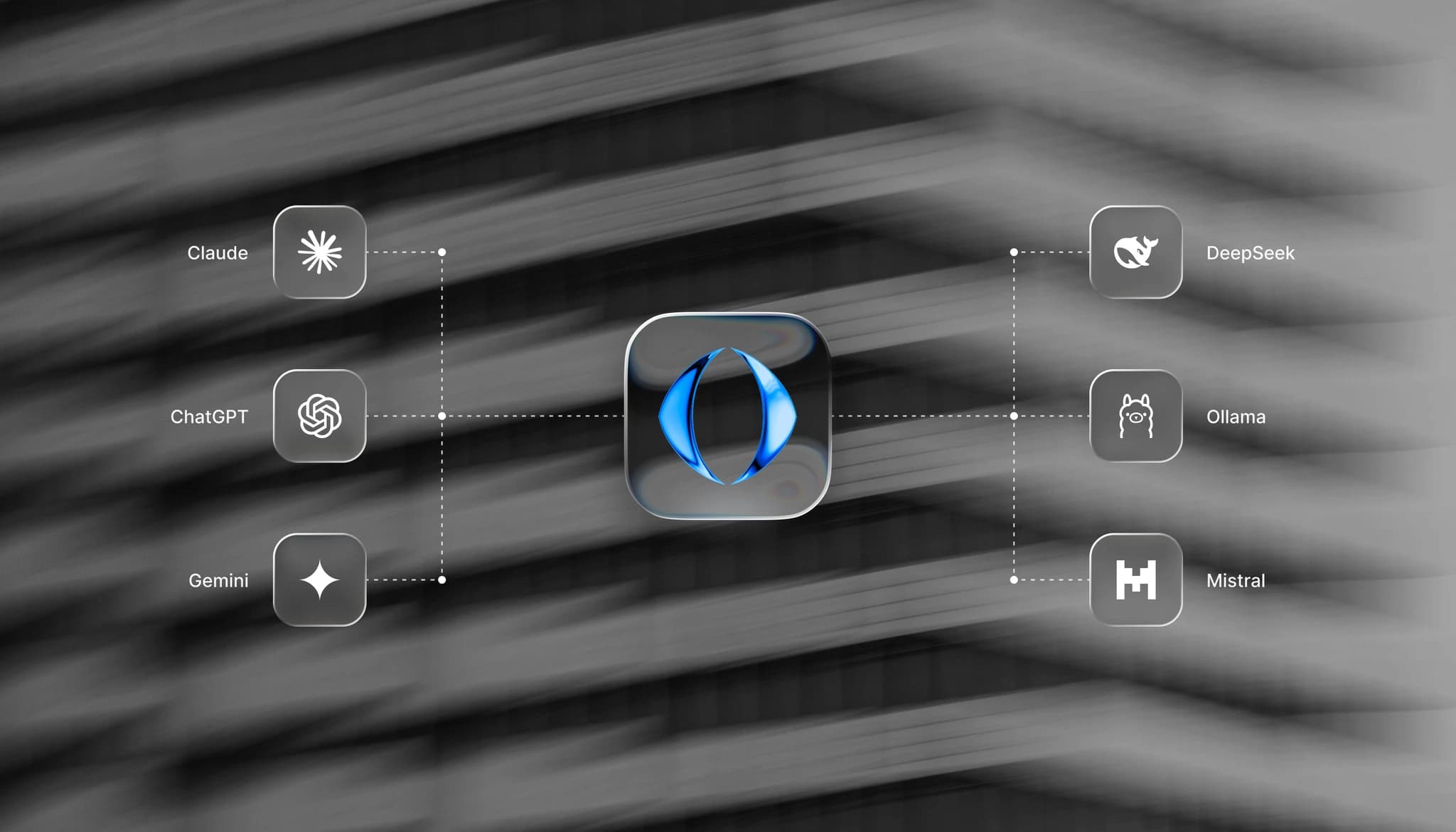
Everything is orchestrated from Oslaw. Each member of the firm plugs in their assistant with their own account. Nothing could be simpler.
In the settings, open your assistant's page, copy the server address and paste it into the AI of your choice. You then authorise access with your account.
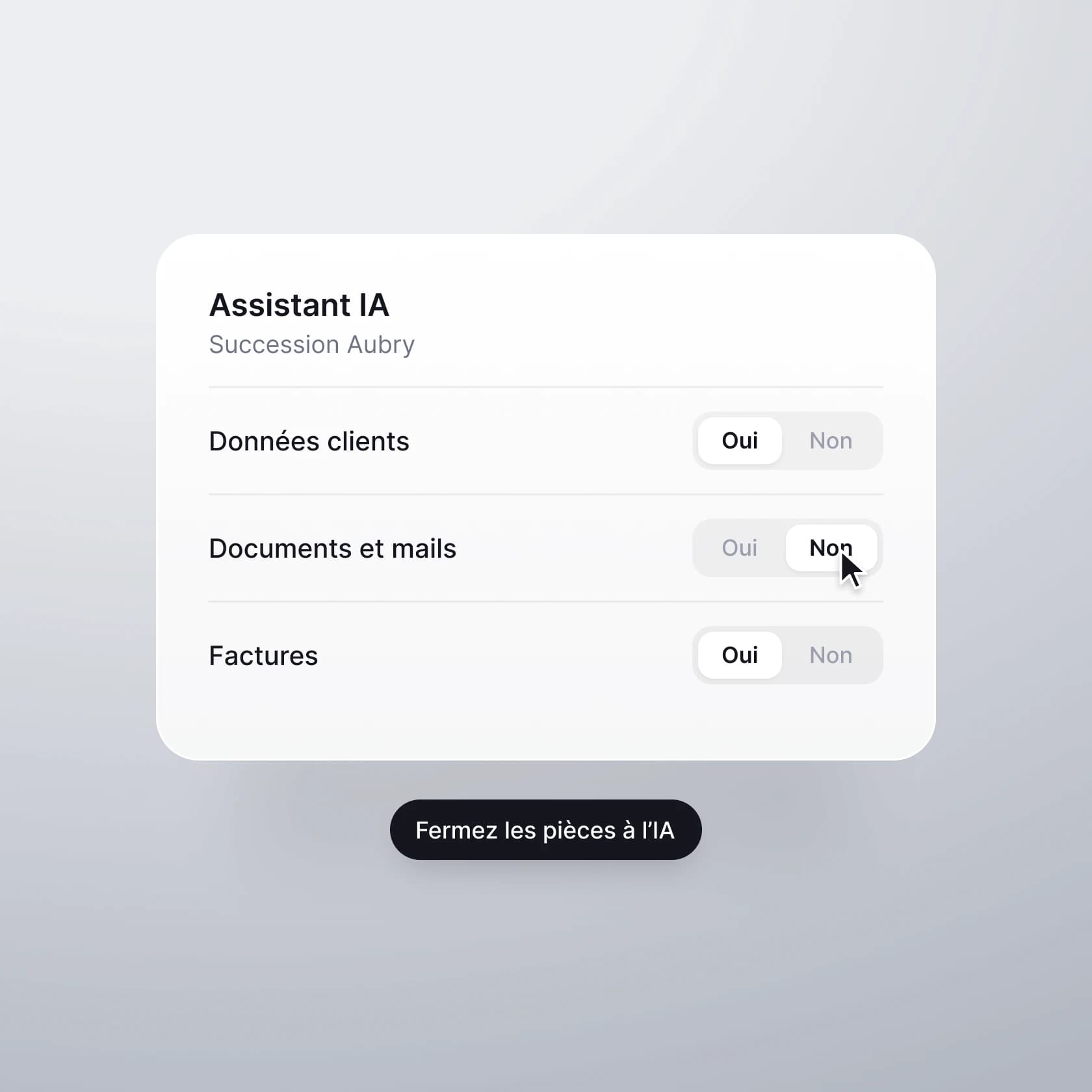
Each matter has an "AI assistant" setting in three parts: Client data, Documents and emails, Invoices. For each part, choose the default, yes or no. When a part is closed, the AI cannot access it, whatever the question.
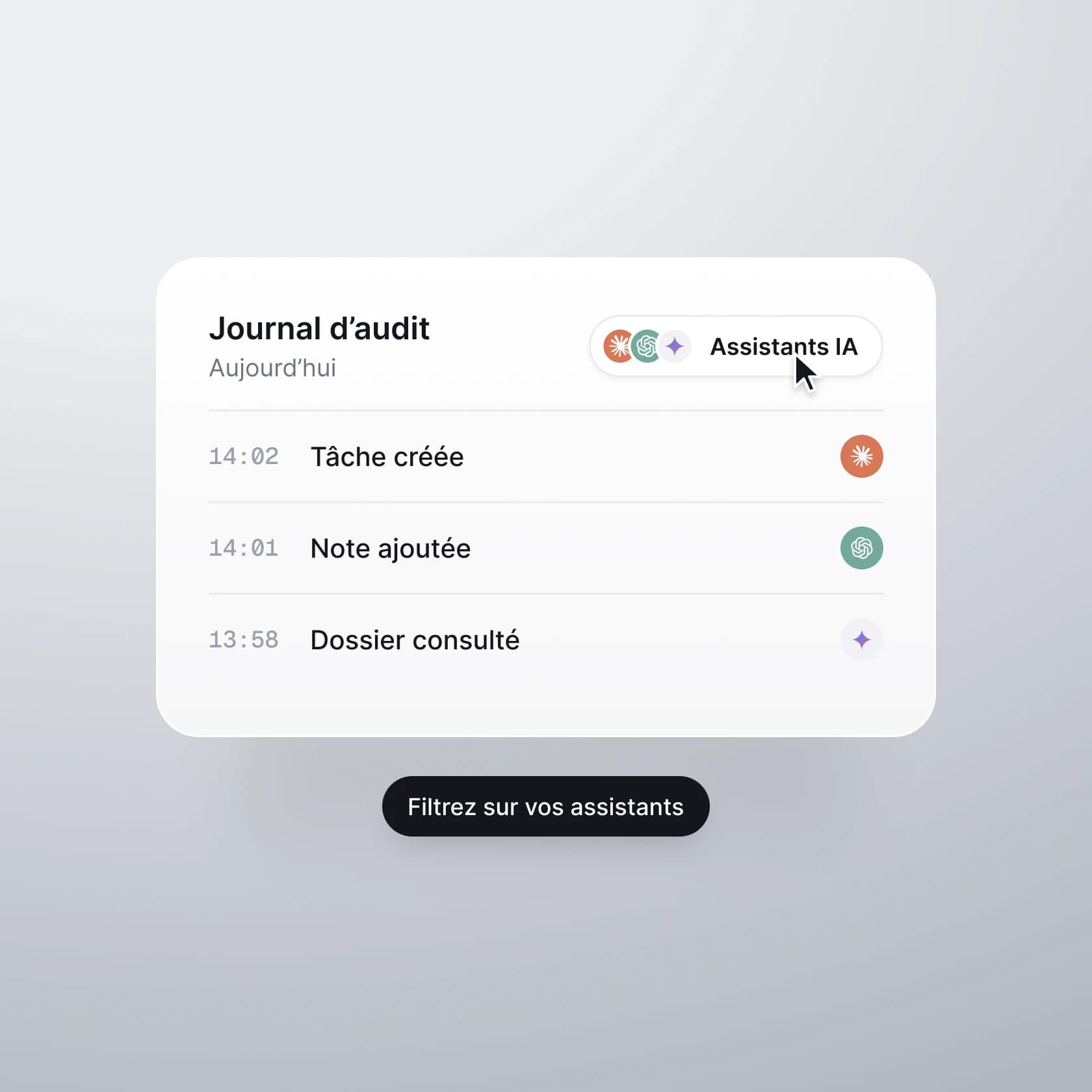
The audit log records and traces every action of the AI assistant. What it read, what it created, in which matter and at what time. The "AI assistants" filter isolates their activity. Authorisation can be withdrawn at any time from your settings.
Let's spend an ordinary day with your assistant. The AI reads the matter, answers, then acts in Oslaw when you ask it to. The only limit is your imagination.
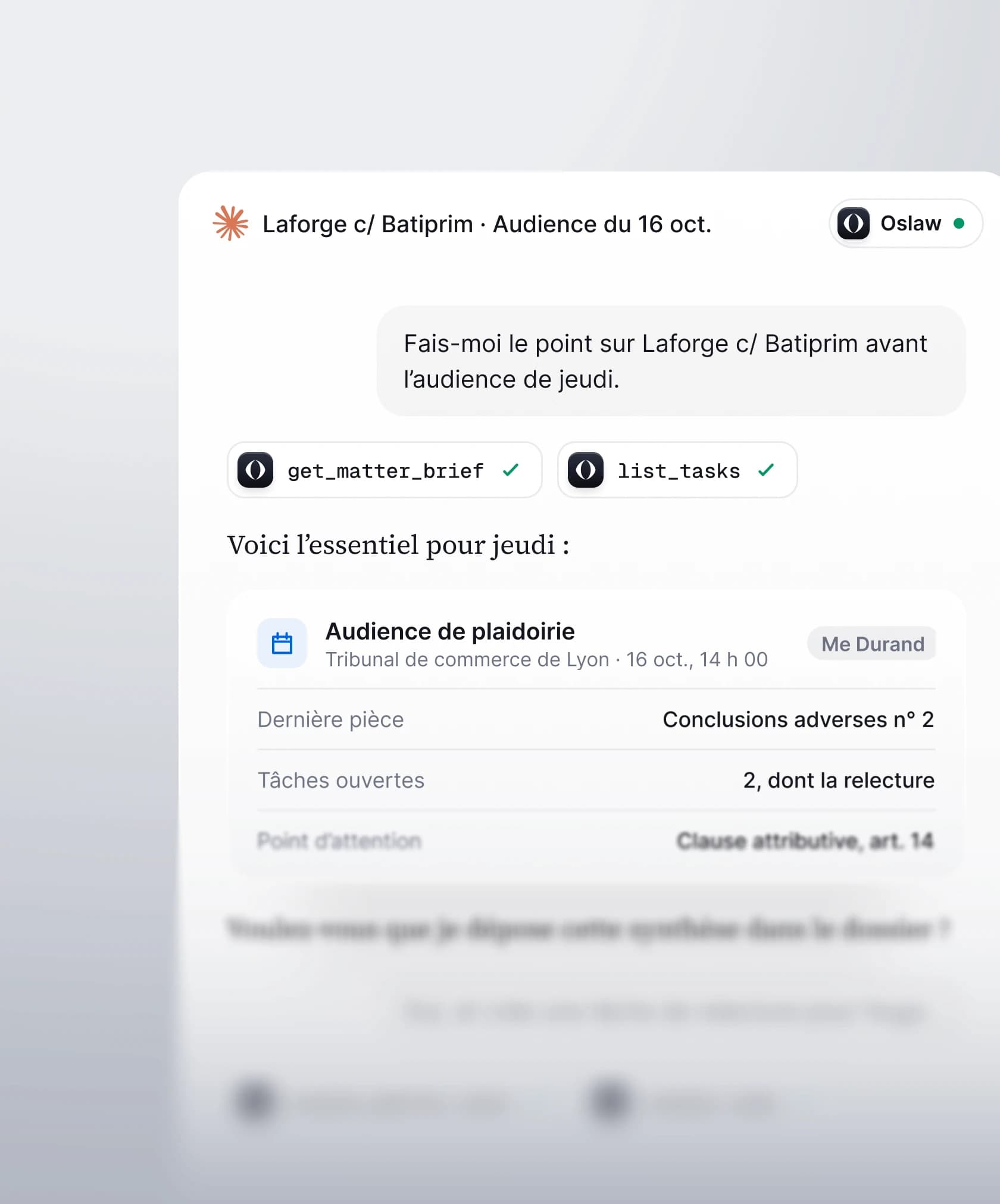
The hearing in Laforge v. Batiprim takes place this Thursday. You ask the assistant for an update on the matter; it finds the oral hearing at the Lyon commercial court, then reads the matter's memory, the notes from previous hearings, the latest documents filed and the tasks still open. After a few minutes, it gives you the essentials: the latest document received, what remains to be done, the point to watch, the jurisdiction clause.
If you ask it to, it files this summary as a note in the matter and creates the missing tasks. For instance, a review assigned to an associate. The note appears in Oslaw, where it belongs, and the whole matter team can access it, with or without an assistant.
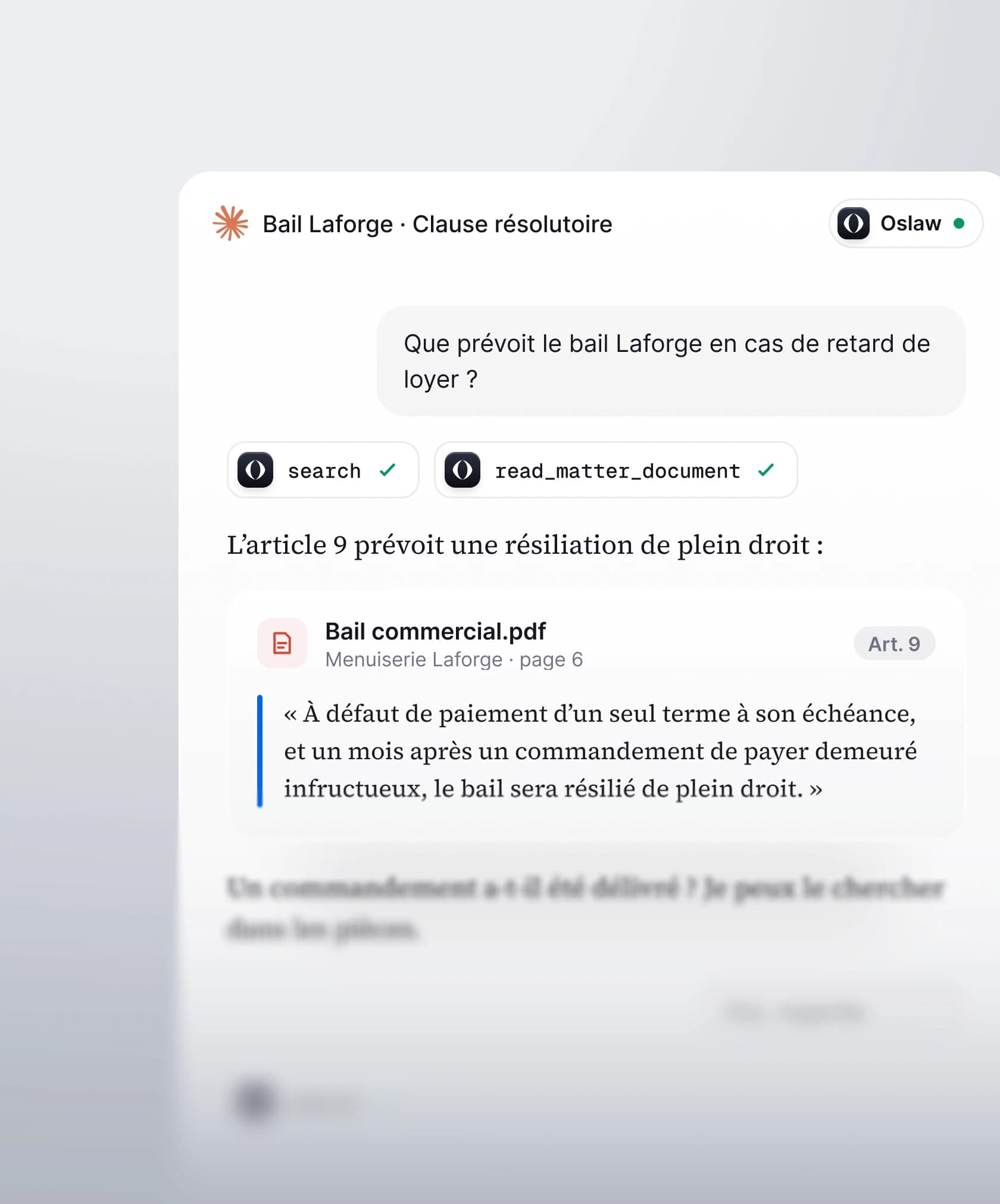
A question about a commercial lease comes to mind. What does the Laforge lease provide for late rent? Just ask the AI assistant. It will find the contract itself and read it line by line. It will find the article, the document, the page number. All that's left for you is to check the source.
It can then carry on searching, for instance to find out whether a formal notice to pay has been served. The documents are only visible to it if the "Documents and emails" part is open for that matter.
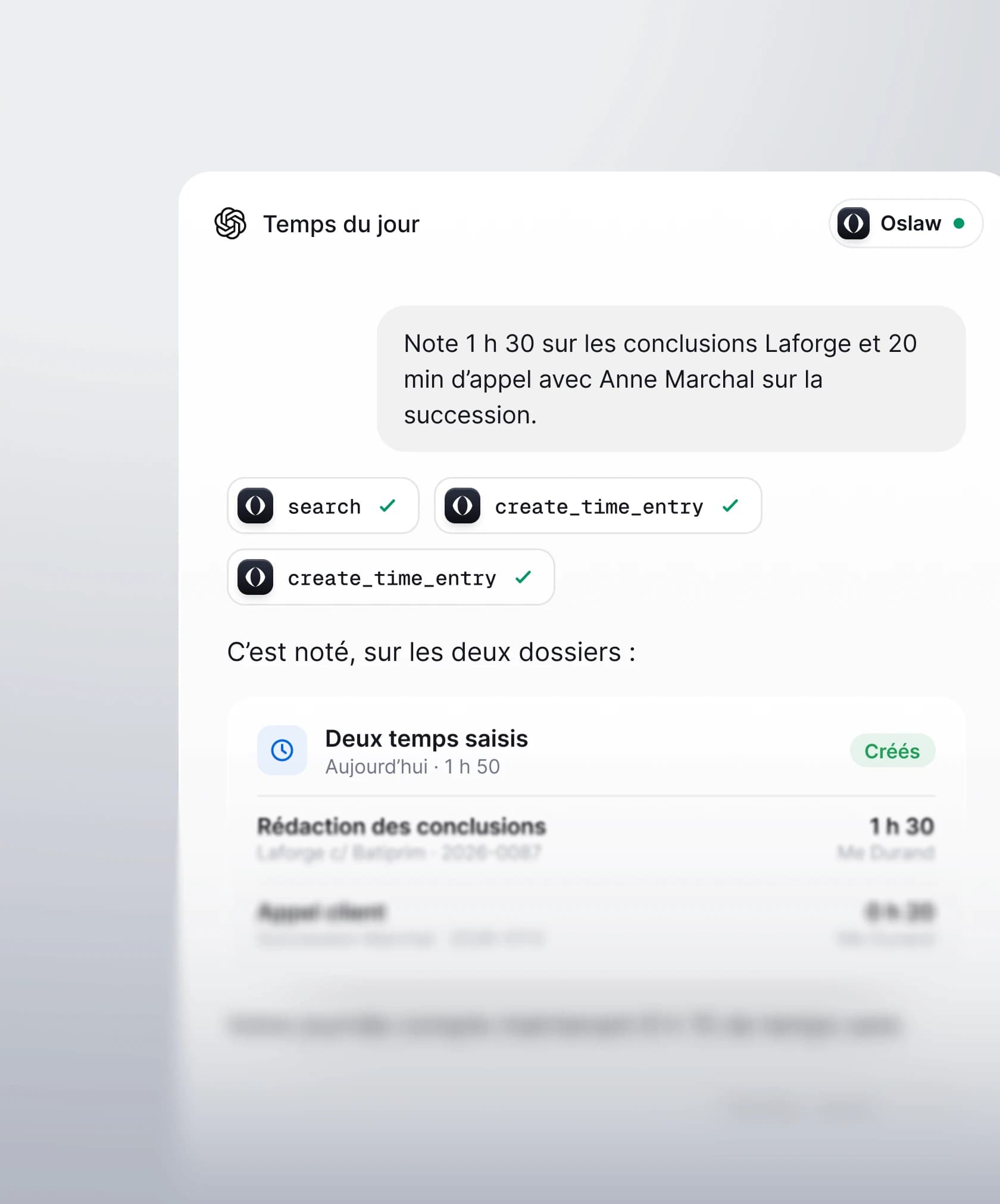
In a single sentence, you dictate your day to your assistant: you spent an hour and a half on the Laforge submissions and twenty minutes on a call with Anne Marchal about the estate. The assistant finds both matters, prepares each time entry with its date, duration and description, then records them in your name. They are billable by default, as on the entry screen.
If it is missing a piece of information, it asks you. It will never invent a service date. As the description may appear on the invoice, it writes it in a style fit for the client.
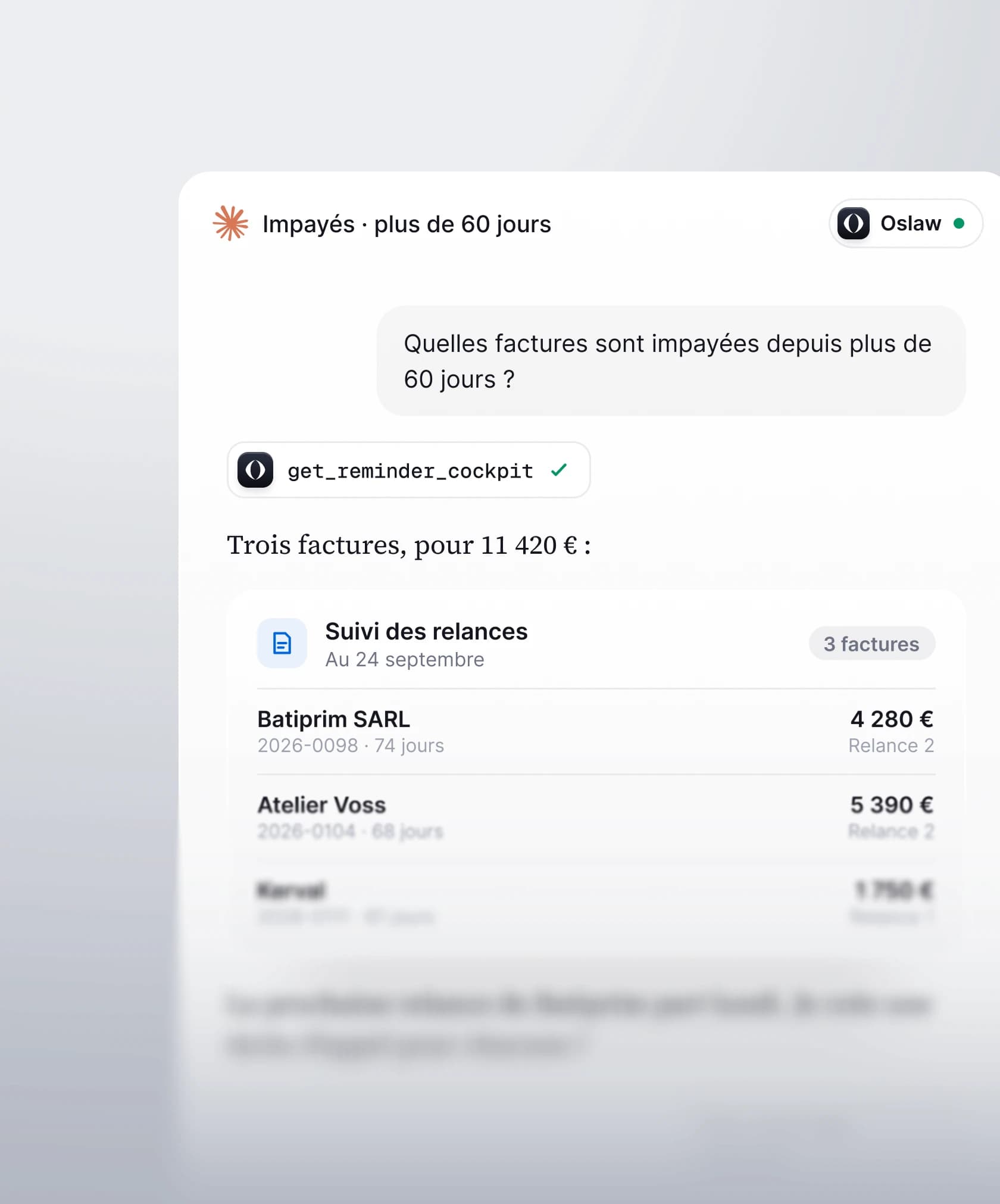
Wondering which invoices have been unpaid for more than sixty days? The assistant reads Oslaw's reminder tracking. For each invoice, the amount still due, the age, the reminder tier reached and the date of the next reminder. It produces the list with the total due, and flags any event (a reminder going out on Monday, for example).
You can also ask it to create a call task for each client and assign it to whoever you choose. The assistant sends no emails. Reminders are sent by Oslaw, according to the tiers set by the firm. The amounts are those of Oslaw's tracking, reconciled with the payments seen by the accounting software.
Opening a matter could not be simpler. Describe the case to the assistant: the sale of Menuiserie Laforge's business for the client Julien Marchal. The assistant first checks whether the client already exists in your contacts, to avoid any duplicate. It then creates the matter and attaches the client and their company. Finally, Oslaw generates the matter's folder structure in your cloud, for instance in Google Drive.
The assistant may suggest adding other parties, such as the buyer, and adds them if you confirm. It neither creates nor changes what already exists. Renaming a matter or changing a participant always requires a human in Oslaw.
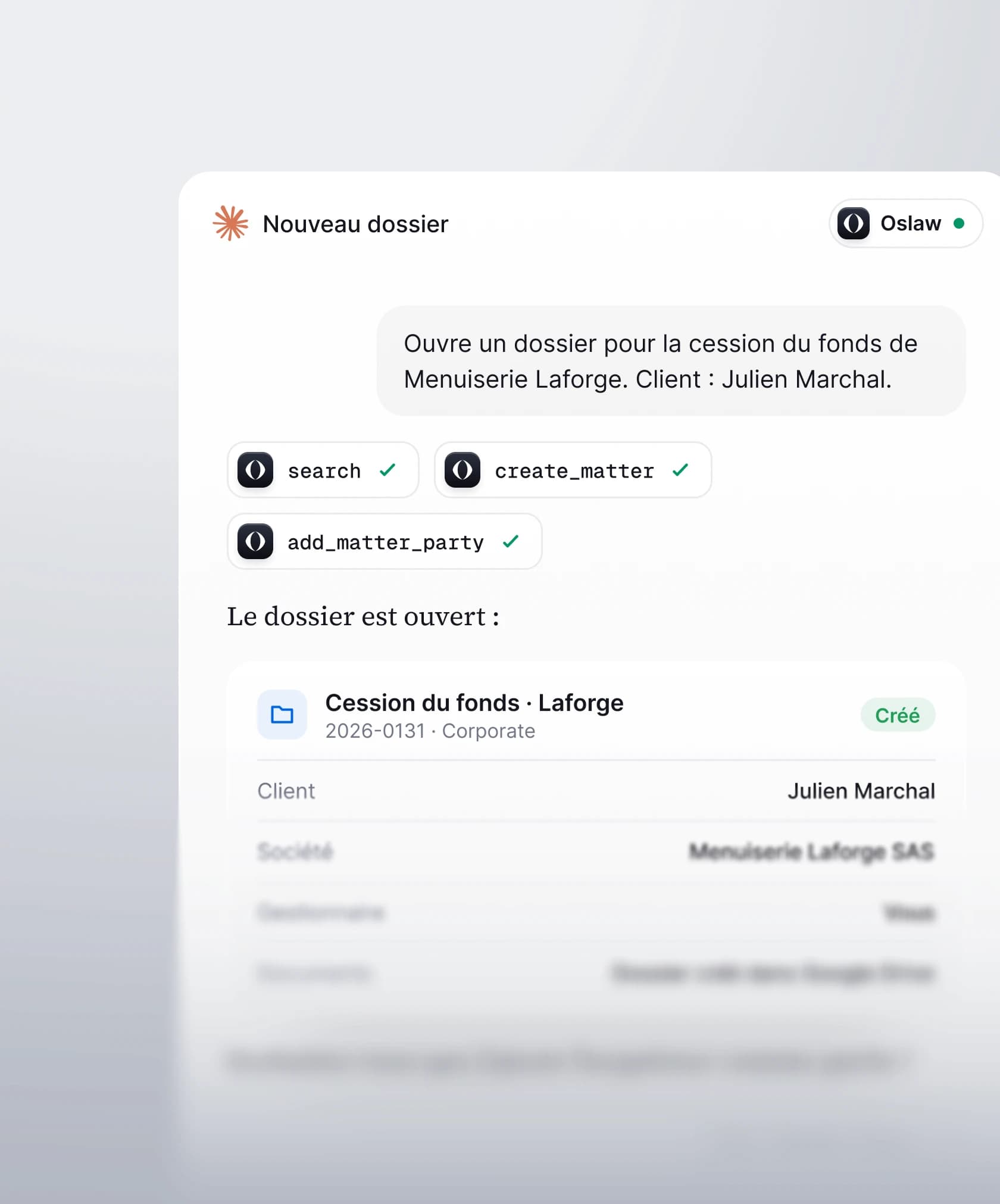
The assistant reads, creates a note, a task, a time entry, a contact or a draft invoice. It neither changes nor deletes what exists.
The assistant connects with your account. What you cannot open, it does not open.
Close a matter's data, documents or invoices to the assistant, without ever touching the team's rights.
Oslaw hosts no AI and sends nothing to a provider of its own accord. The assistant only reads to answer your request.
Authorisation is withdrawn from your settings. The assistant loses access, with no other consequence.
Oslaw keeps what matters in each matter and across the firm. Your assistant consults this memory before answering and adds to it at the end of every exchange.
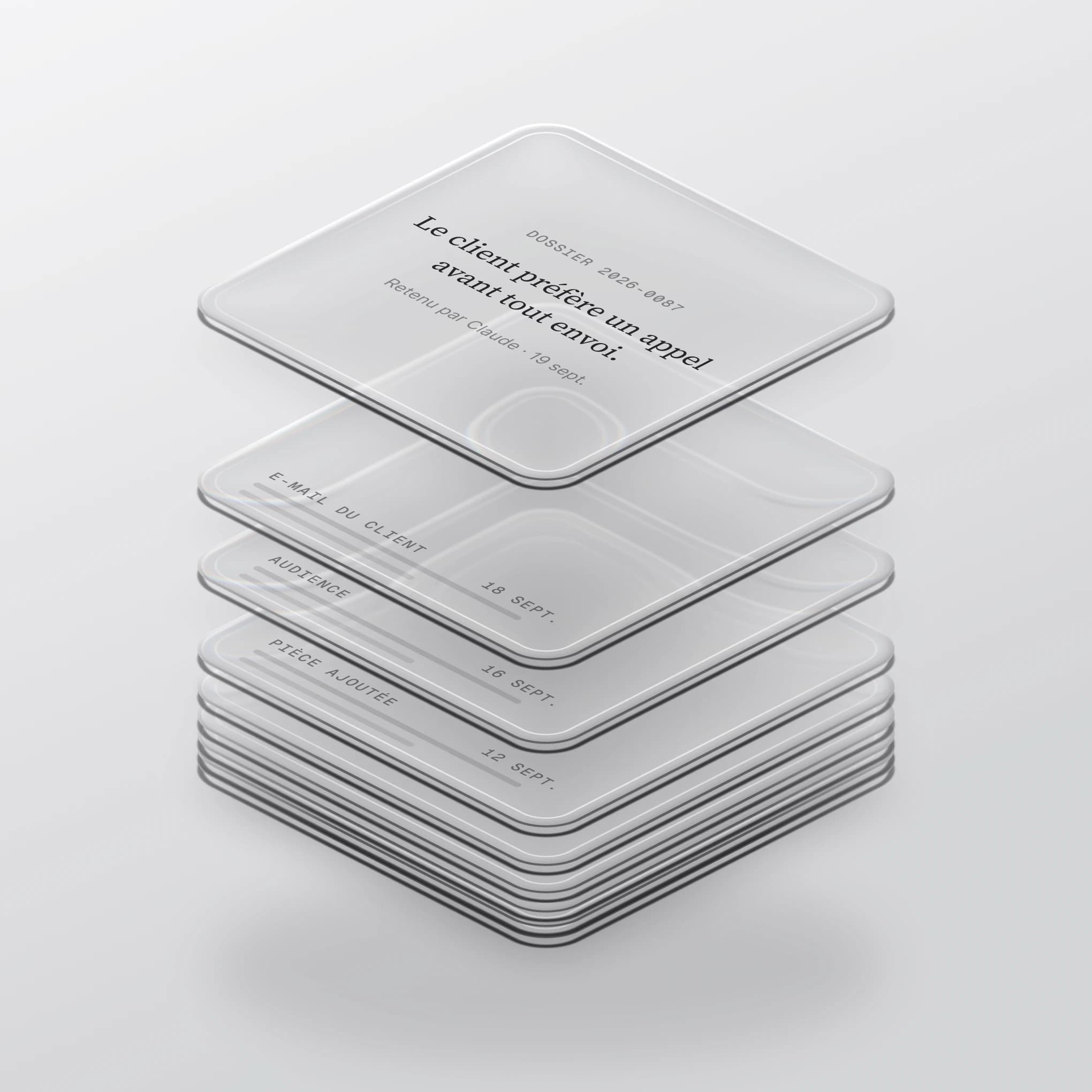
An AI assistant forgets everything from one conversation to the next. Without memory, you would have to explain the matter again and again: who the client is, what was decided, what remains to be done.
Oslaw's memory, on the contrary, keeps this information in the software, attached to the right matter. It is shared by all assistants and by every member of the firm with access to the matter. What Claude remembered on Tuesday, ChatGPT knows on Thursday.
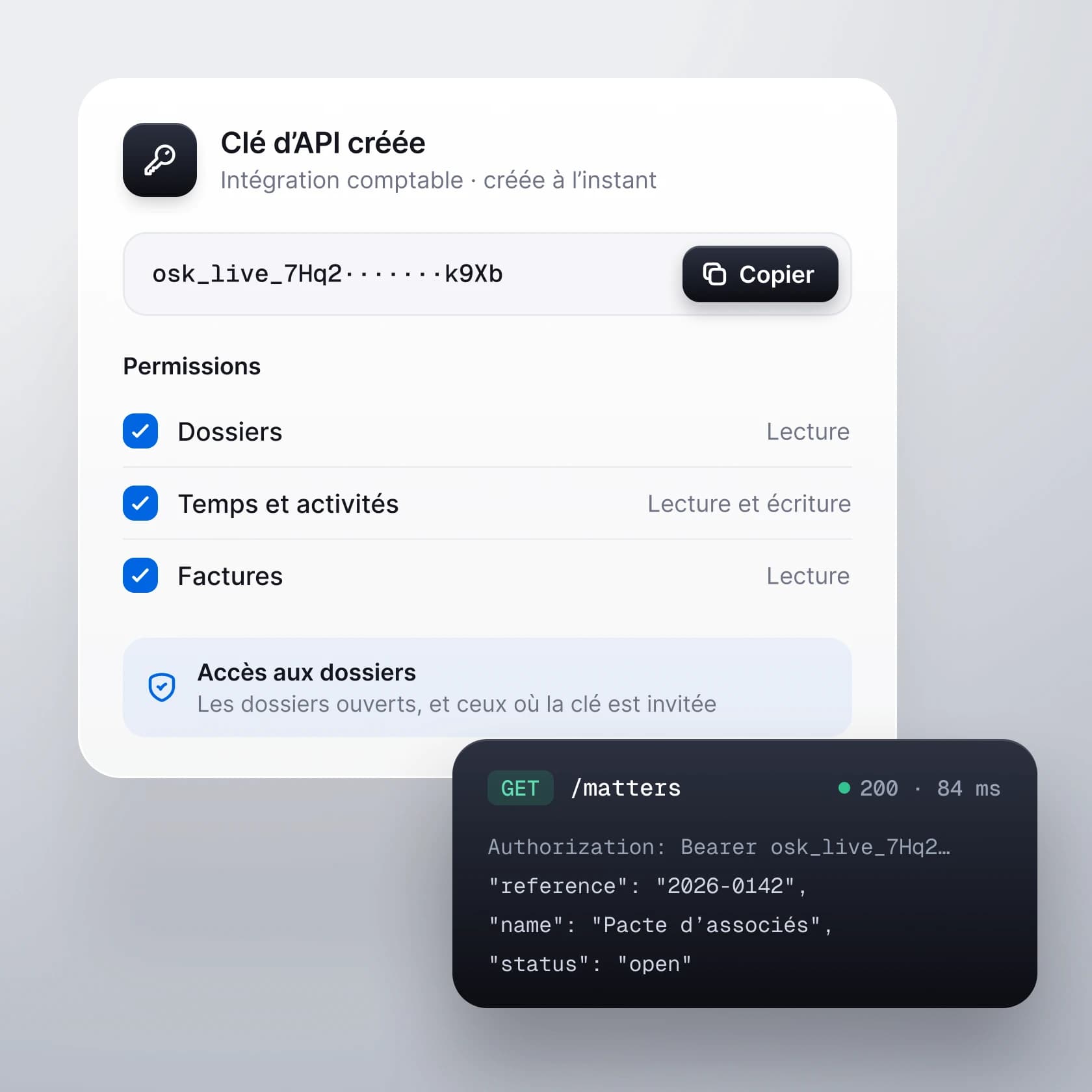
The public API opens the same data to your tools: a dashboard for a client, a business alert, a report only you can produce. Each key only receives the rights you grant it.
A key limited to reading matters cannot write anything, even by mistake.